
Learn your instrument
Guides
From your first sound to the finer details. Find instrument manuals, plugin setup, samples, firmware, and build instructions in one place.
 Instrument manual
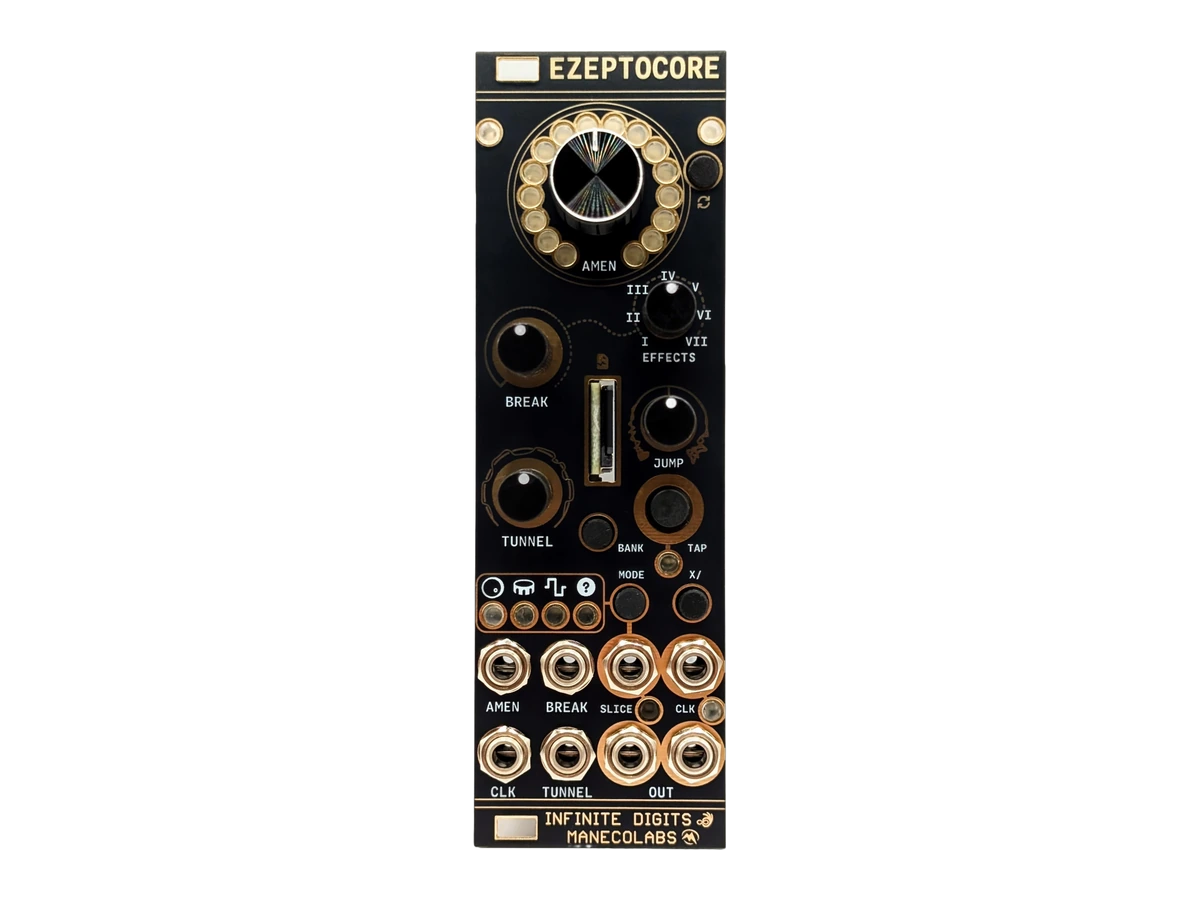
EZEPTOCORE
Set up your EZEPTOCORE Eurorack sampler: learn the controls, CV inputs, effects, sample loading, and firmware installation.
Read the guide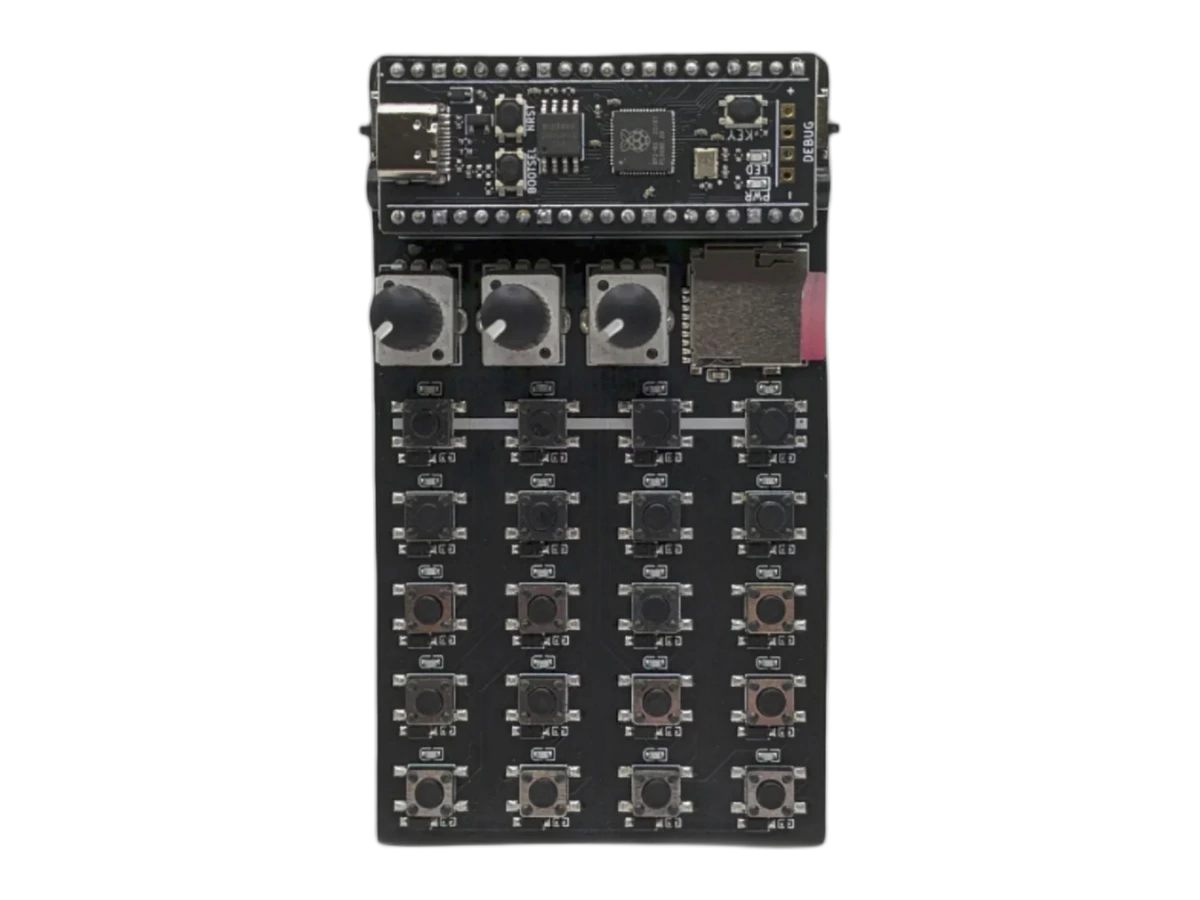 Instrument manual
Zeptocore
Learn your Zeptocore sampler: playback controls, effects, sample loading, MIDI sync, firmware updates, and step-by-step DIY build instructions.
Read the guide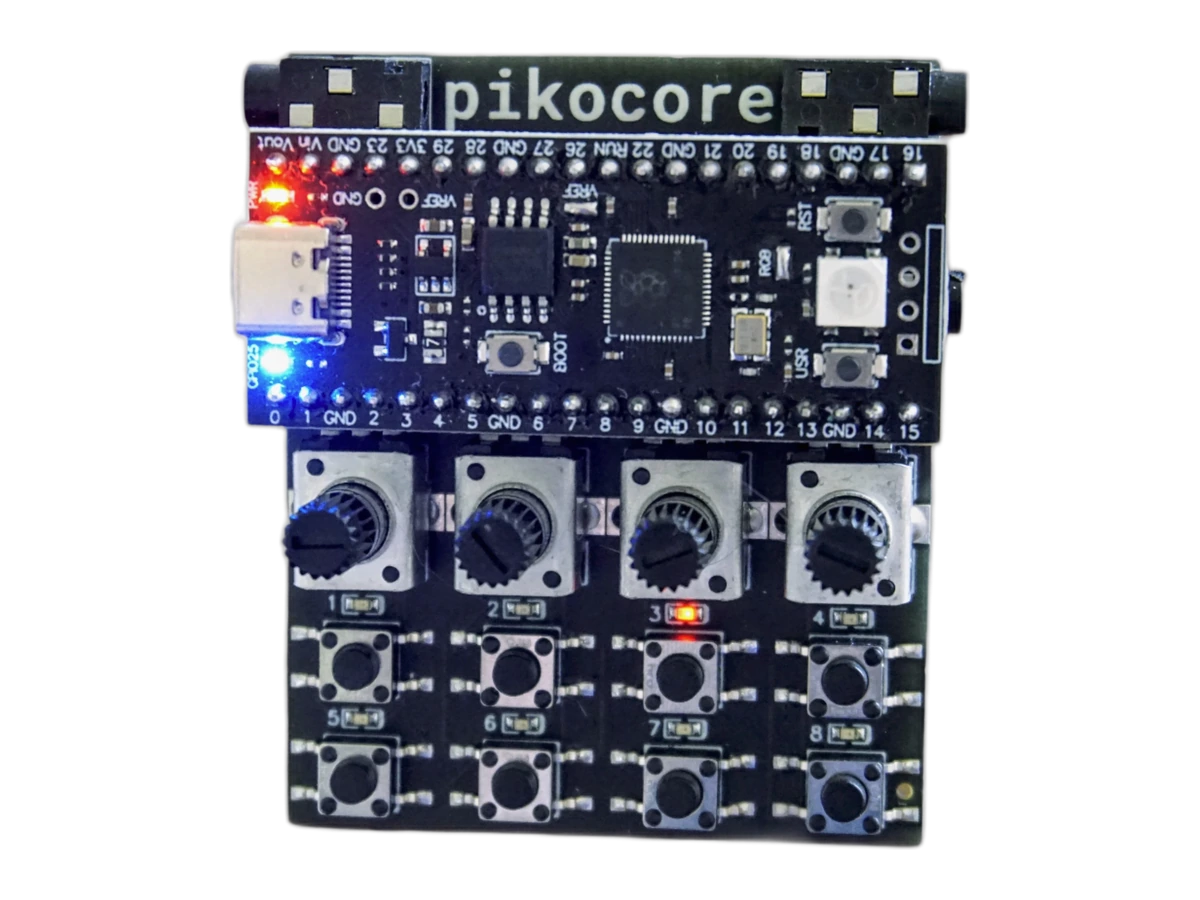 Instrument manual
Pikocore
Get started with Pikocore: learn the controls and effects, load custom samples, sync playback, build the hardware, and troubleshoot.
Read the guide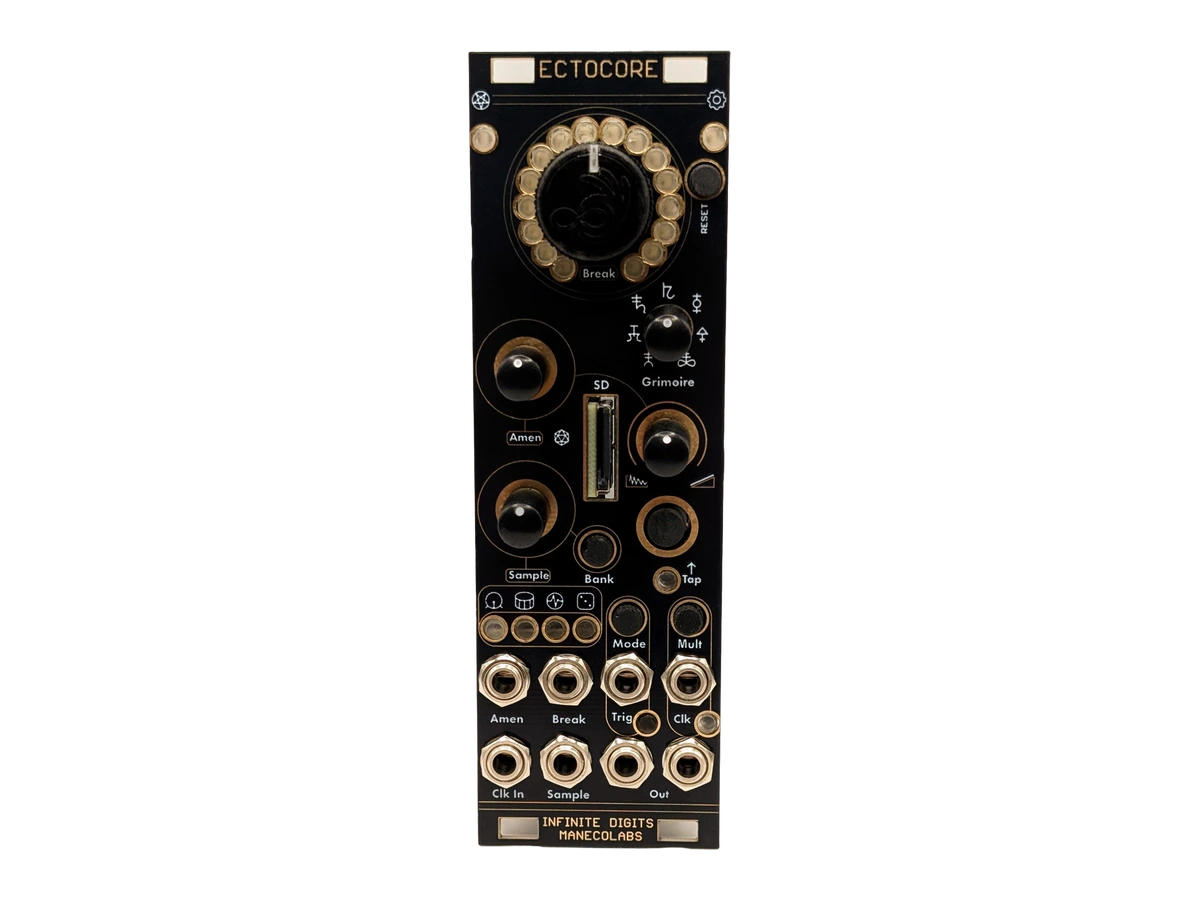 Instrument manual
Ectocore
Learn Ectocore sequencing, breakbeat effects, clock sync, and transient controls. Load your own samples and install firmware on the Eurorack module.
Read the guide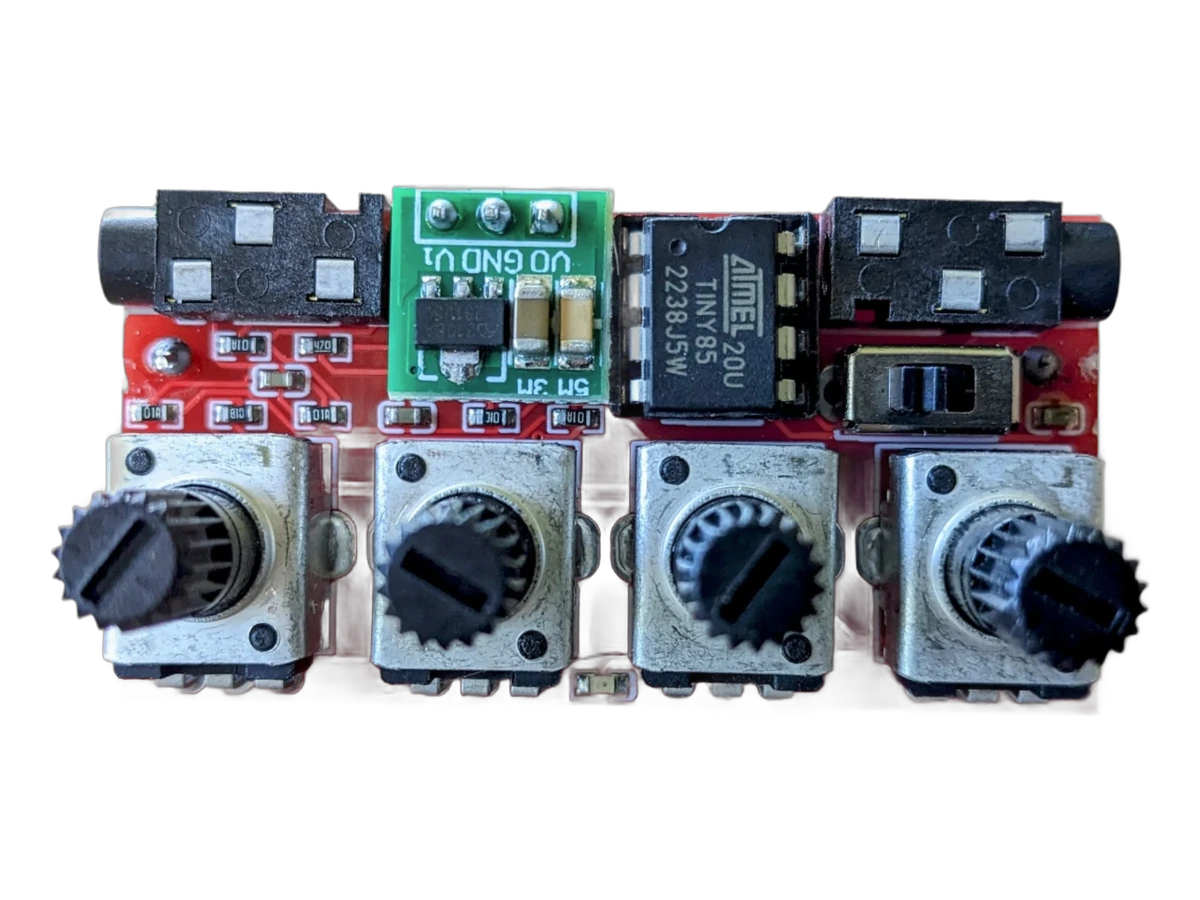 Instrument manual
Nyblcore
Build and play Nyblcore: follow the soldering guide, learn the controls, prepare custom audio, and install firmware on your sample player.
Read the guide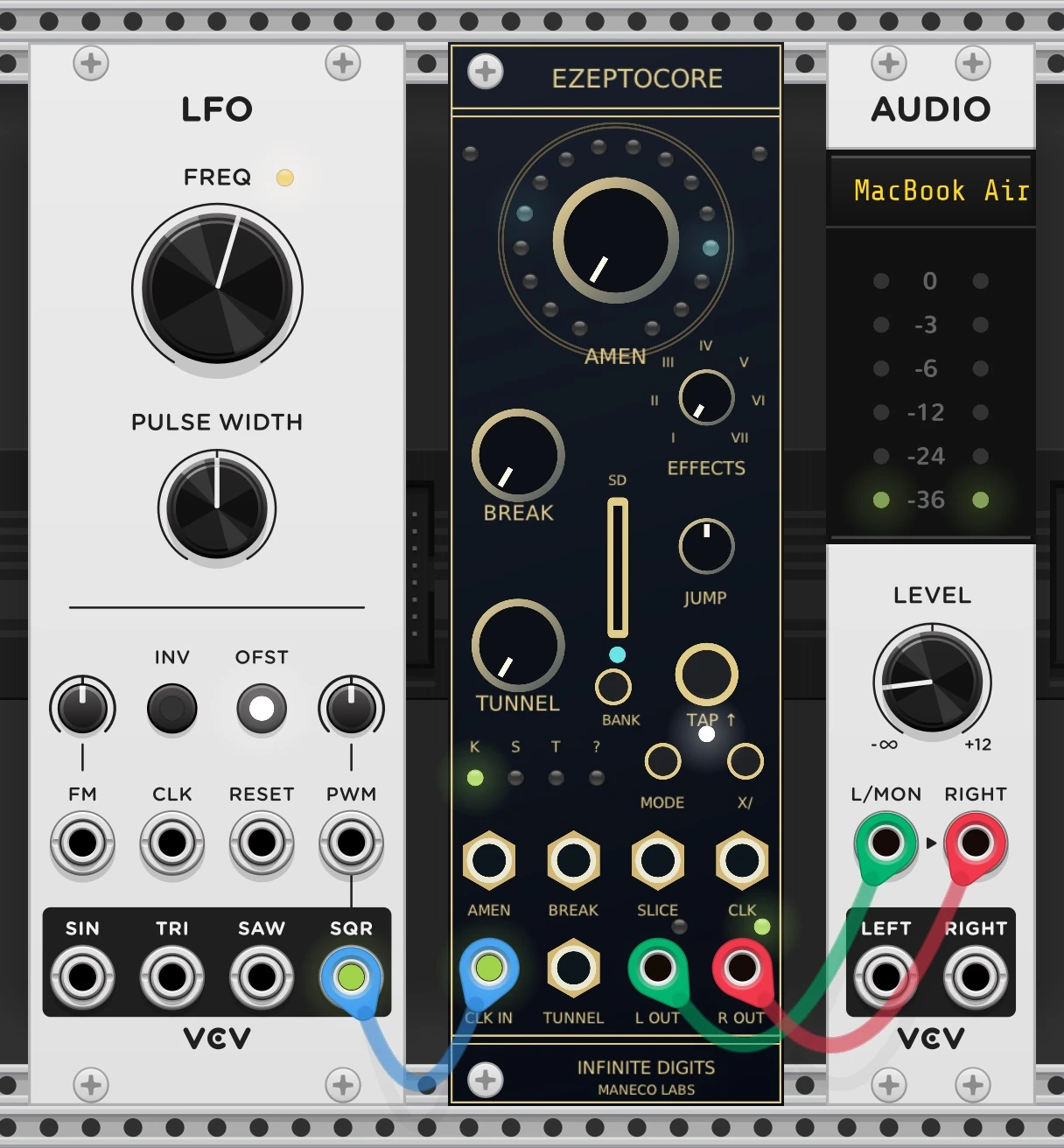 Software
VCV Rack
Install Rack, load your samples, and patch EZEPTOCORE or its Ectocore form to a clock and stereo output.
Read the guide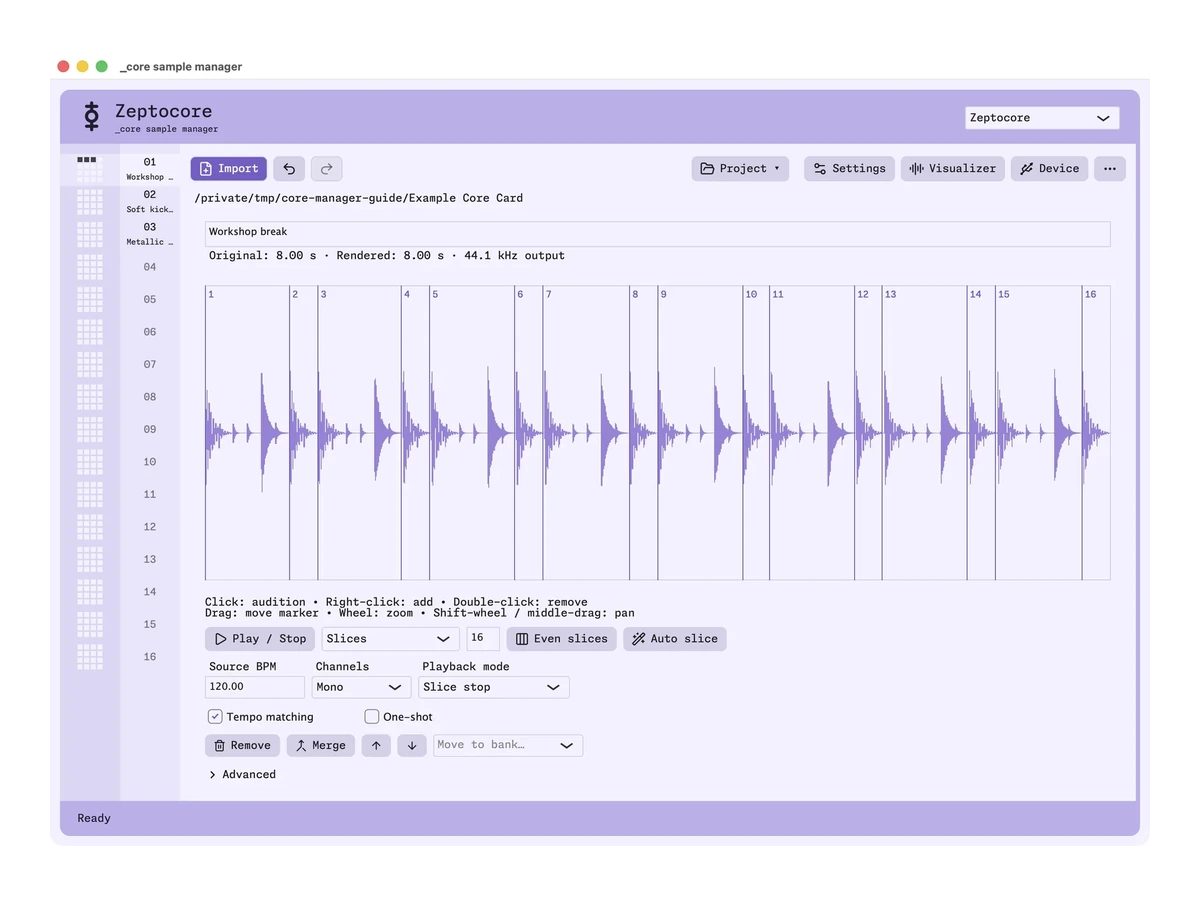 Software
_core sample manager
Prepare SD cards, organize samples, edit slices, and install firmware with the desktop app.
Read the guide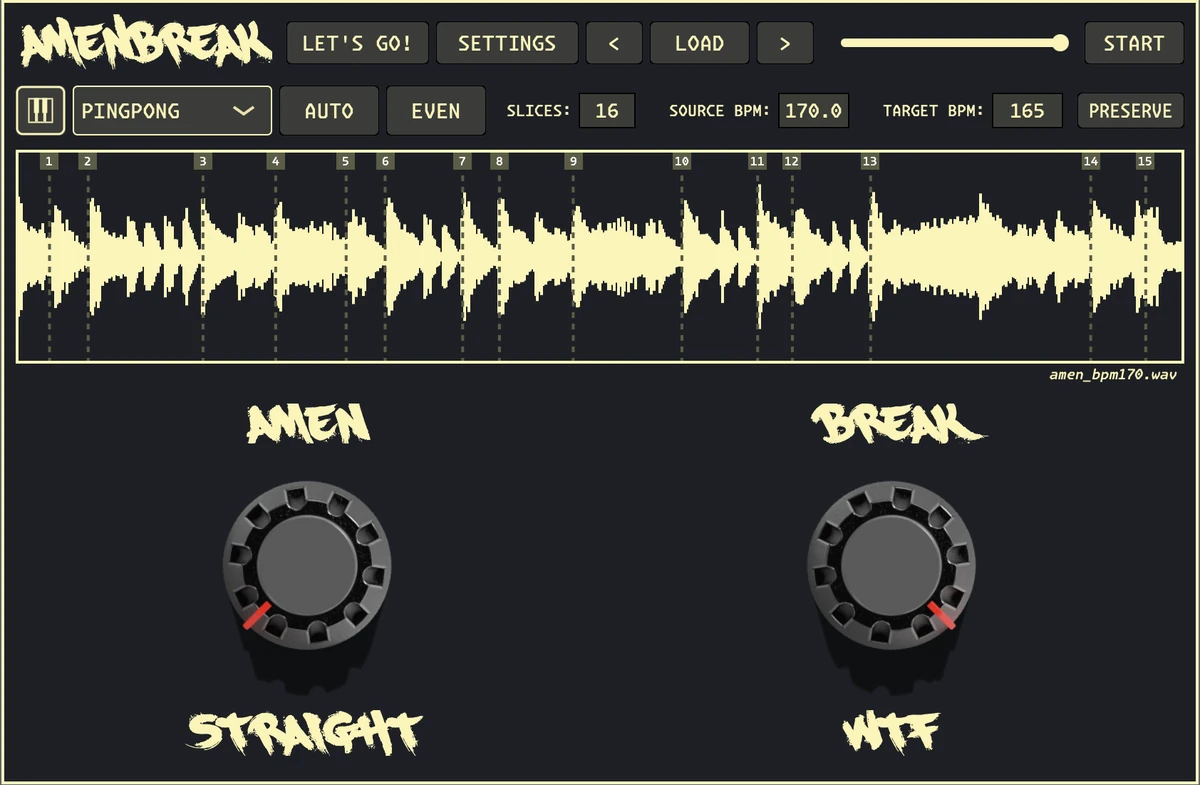 Software
AMENBREAK VST
Install AMENBREAK VST, slice a drum loop, sync it to your DAW, and make your first AMEN and BREAK variations.
Read the guide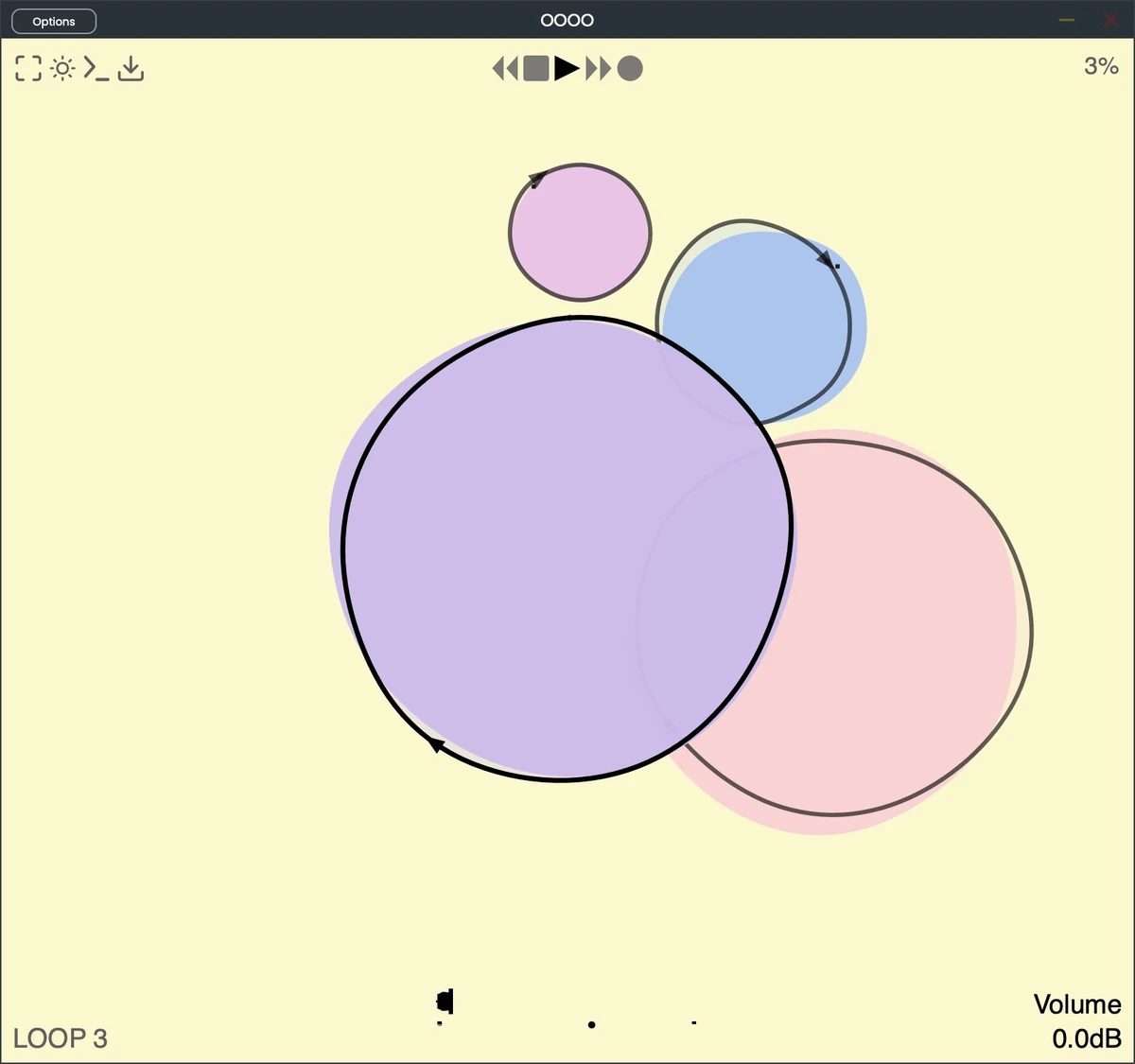 Software
OOOO
Install OOOO, play and record your first tape loop, learn the circle controls, and explore interactive monome grid tutorials.
Read the guide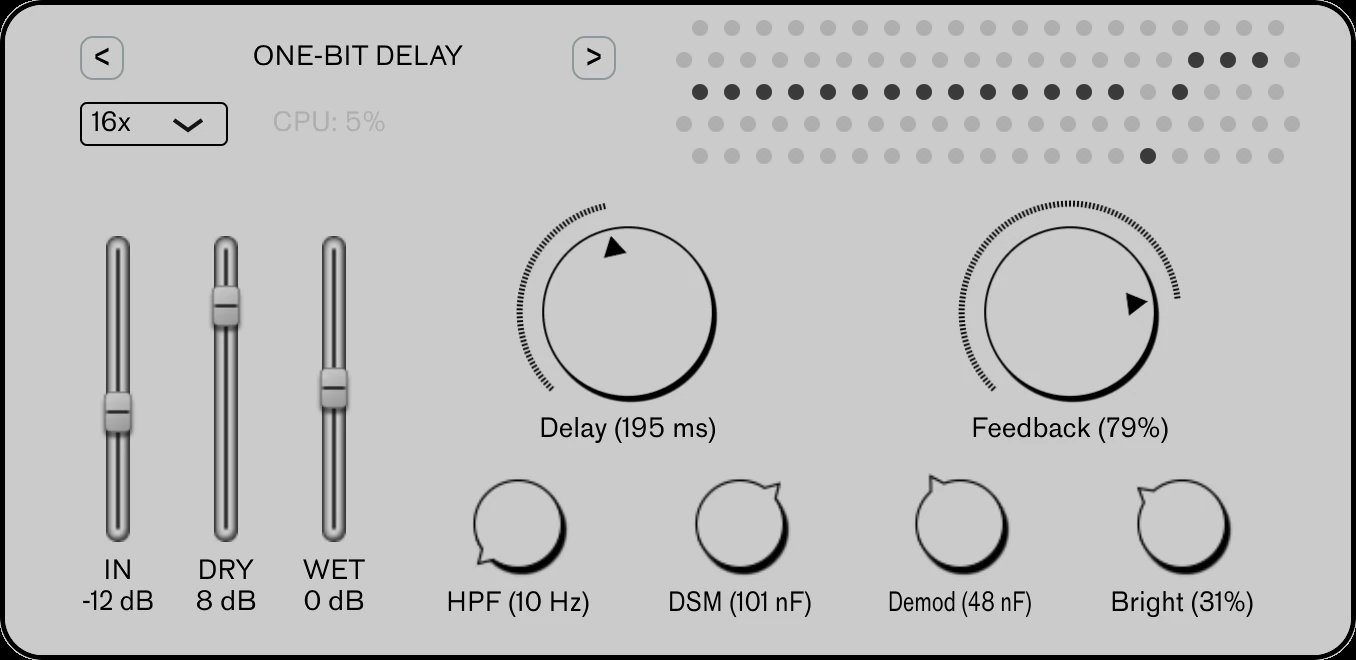 Software
One-Bit Delay
Install One-Bit Delay, make your first echoes, and shape their tone, feedback, and noise with the essential controls.
Read the guide